Check notifications
See what RockOps has flagged for you, and mark it read, from the site app's bell.
Overview
The bell at the top of the site app opens your notifications. It is the same notification feed as the console's — the same items, read or unread in both places — shown as a simple list sorted by day: Today, Yesterday, then older dates.
Each notification carries a title, a short message, the module it came from, and the console page it refers to. The site app has no screen for most of those pages, so the address is shown as text rather than as a link. Open the console to follow it up.
Review: As of this writing, none of the notifications RockOps sends are addressed to the Site Supervisor role, and the one meant for whoever raised a buy request ("Buy request resolved") is not sent yet. A site supervisor's list will usually be empty, as in the screenshot below. Confirm with the product team before relying on this page for anything else.
Before you start
You need to be signed in to the site app. Notifications do not depend on the active project, and work even with no project assigned.
1. Tap the bell
It sits at the top of every tab. A red badge counts what you have not read yet, and is hidden while you are offline.
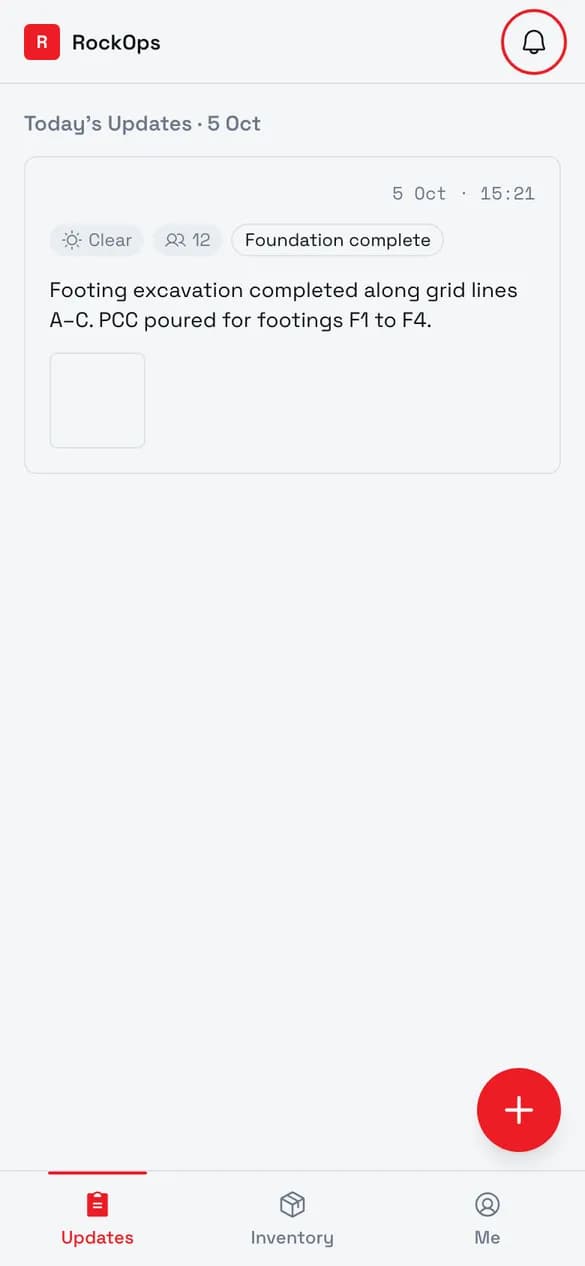
2. Read your notifications
Notifications are grouped by day, newest first. Unread ones are tinted with a dot; tap one to mark it read, or use Mark all read.
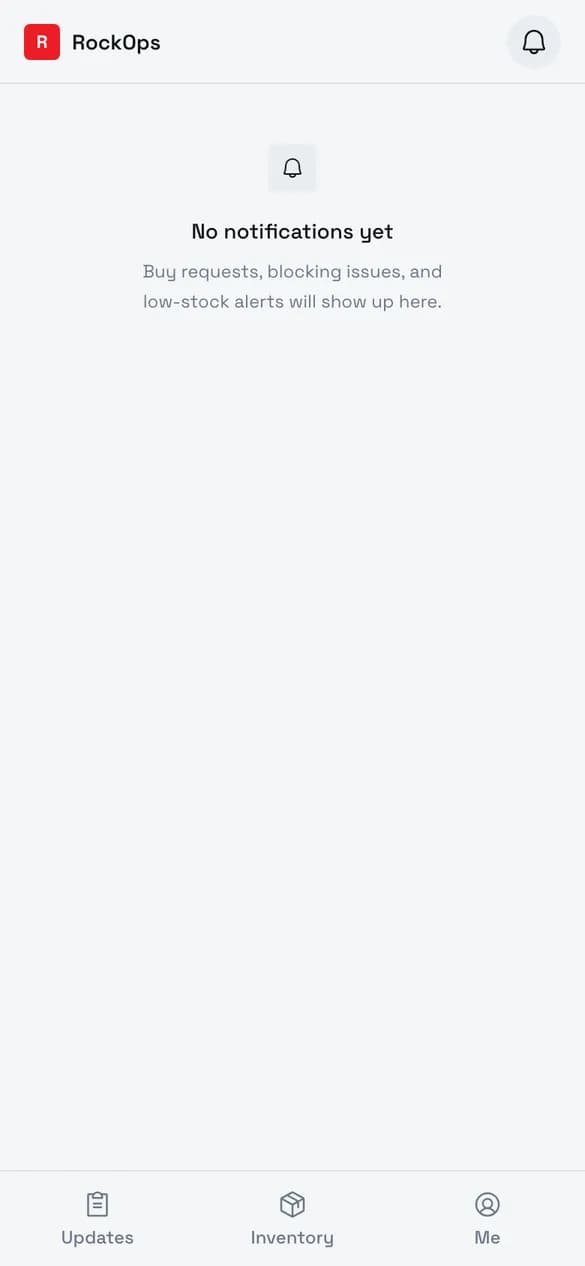
Reading and clearing
| Action | What it does |
|---|---|
| Tap a notification | Marks it read. Tapping one already read does nothing. |
| Mark all read | Marks everything read. Only shown while something is unread. |
| Load more | Fetches older notifications, at the bottom of a long list. |
Troubleshooting
"No notifications yet" — nothing has been sent to you. See the note under Overview.
"Couldn't load notifications" — the app could not reach the server and has nothing saved to show. Reconnect and open the screen again.
The bell has no number while offline — the unread count is hidden while you are offline, because it cannot be checked.